
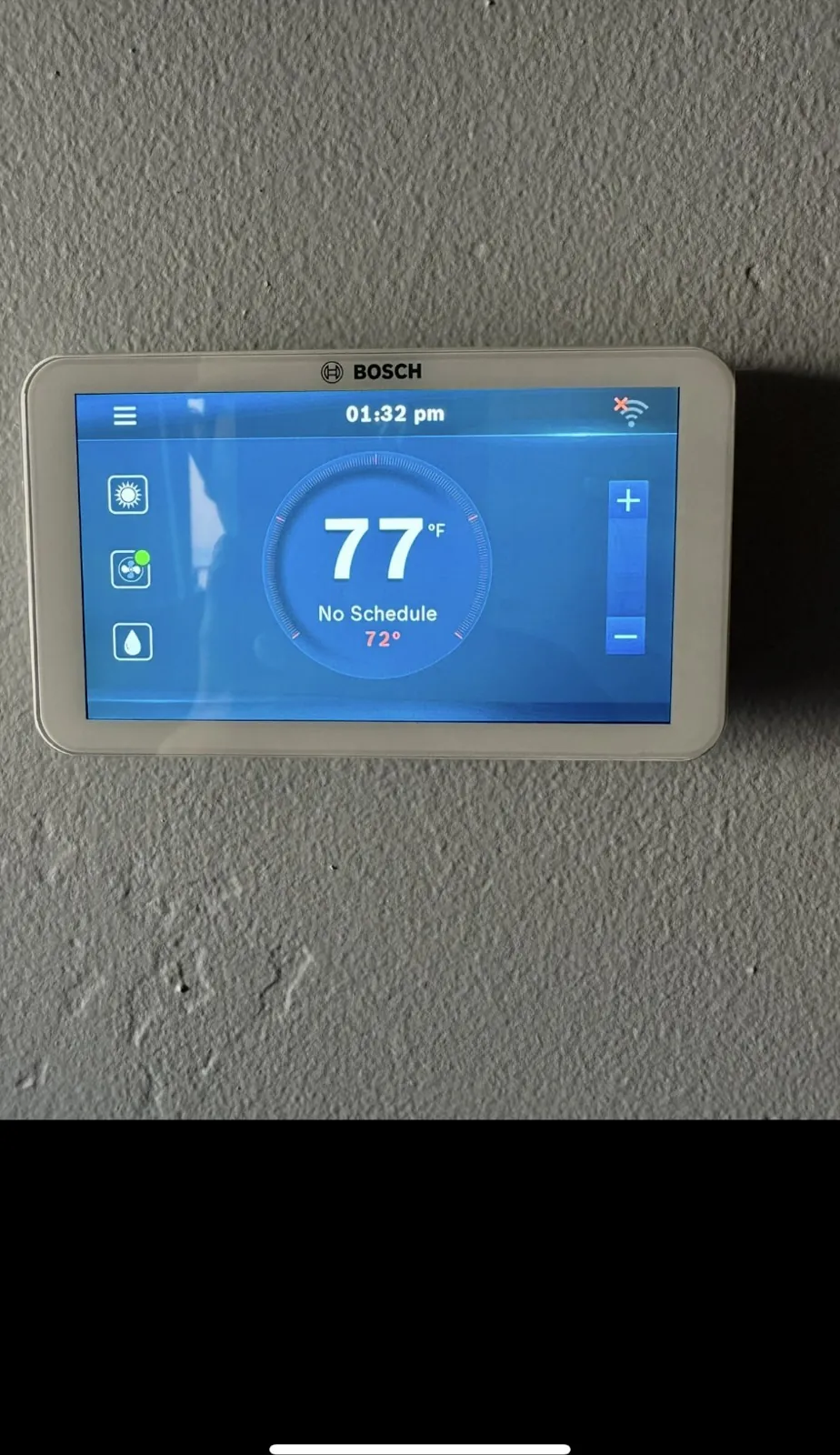
Short answer: When a thermostat is not working, check six things in order: the batteries or power, the mode and fan settings, the schedule or hold, the compressor’s built-in delay, the wiring settings if it is a newer thermostat, and whether the system itself has power. Most problems stop at one of the first four. If the thermostat looks fine and the equipment still does not respond, the fault is in the system, and it is time for a technician.
The first time a family switches from cool to heat in November, the problem is often at the thermostat, not the equipment. A blank screen, a heat setting that does nothing, or a house that never reaches the set temperature all send people looking for a bad furnace when the cause is much smaller. Here are the checks to work through, in the order that saves the most time, and how to tell a bad thermostat from a bad system.
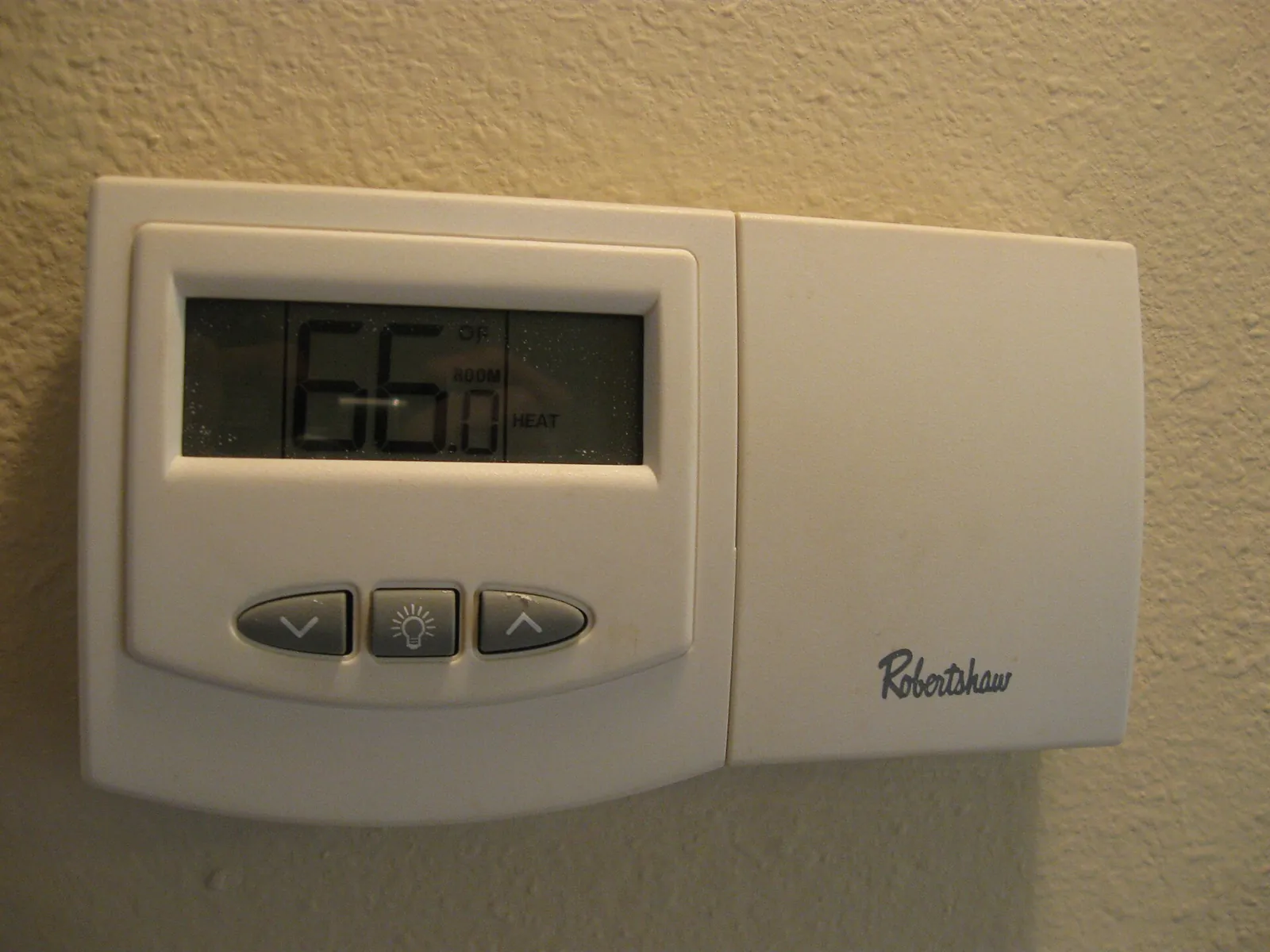
Thermostat not working: check in this order
Five checks, from the easiest to the one that needs a technician.
This is a step guide, not statistics. It follows the sections of this article, in the order most people should check them.
1. Check the Batteries and the Power
If the screen is blank, start with the batteries. Many thermostats use two AA or AAA batteries, and they do not last forever. Replace them with fresh ones and watch for the screen to light. If your thermostat is wired and has no batteries, the problem may be that the furnace or air handler has lost power, so check that its switch is on and look at the breaker in your panel. A tripped breaker for the air handler will make the thermostat go blank on many systems.
Smart thermostats add one more possibility. Many need a common wire, called the C wire, to stay powered. A smart thermostat that was installed over the summer without a C wire may have run on borrowed power, and in the heating season it can start dropping out. A technician can confirm the wiring and add a power source if one is missing.
2. Check the Mode and Fan Settings
It sounds too simple, but it is the most common mistake in the first cold week. The thermostat may still be set to cool, or to off. Set it to heat and raise the setting at least a few degrees above the room temperature. Leave the fan on auto so it runs only with the system. A fan left on can make a house feel cool because it moves unheated air.
3. Look for a Schedule, Hold, or Away Mode
Programmable and smart thermostats follow a schedule. A setting that you change by hand may be overridden by the next scheduled period, or an away or eco mode may be keeping the house cooler than you expect. Check for a hold, a vacation setting, or a schedule that still reflects summer. Clearing the schedule or setting a hold at the temperature you want is a quick way to rule this out.
4. Give the System a Few Minutes
Many air conditioners and heat pumps have a built-in delay of about five minutes before the compressor restarts after it shuts off. If you change the setting and hear nothing, wait before you decide something is broken. That wait is normal and protects the compressor.
5. Wiring and Setup on Smart Thermostats and Heat Pumps
This is where many November problems come from. A smart thermostat installed in summer only had to run the air conditioner. In winter it has to run the heat, and on a heat pump that depends on a setting that tells the thermostat how to control the reversing valve, the part that switches the system between heating and cooling. If that setting is wrong, the heat pump can cool when you ask it to heat. Heat pump thermostats use terminals marked O or B for this, and getting it wrong is easy to do and easy for a technician to fix. We keep the advice general here, because every thermostat and system is a little different. A technician can confirm the wiring and the setup in a short visit.
A loose wire behind the thermostat plate can also cause intermittent trouble. A wire that has pulled partway out of its terminal may work some days and not others. If the thermostat works when you press on the plate and fails when you let go, that is likely the cause. Turn the power off before you touch anything, and call a technician if you are not sure.
6. Is It the Thermostat or the System?
Here is a simple way to sort it out:
- Probably the thermostat: a blank screen after new batteries, buttons that do not respond, a temperature reading that disagrees with a separate thermometer, or settings that change on their own.
- Probably the system: the thermostat works and calls for heat, the settings are right, the system has power, and nothing happens, or the system starts and stops. See our heating repair page for furnaces and heat pumps.

If the heater turns on and off repeatedly, that is a different issue. Read our guide to why a heater keeps turning on and off.
When to Repair or Replace a Thermostat
A thermostat that has lost its calibration, has a damaged screen, or cannot run your system’s features is worth replacing. A newer thermostat can improve comfort and give you better control of the schedule. The key is matching the thermostat to the system, because a heat pump, a gas furnace, and a multi-stage system do not all use the same wiring. Our thermostat repair and installation service covers both repairs and new installs, including setup for heat pumps.
Frequently asked questions
Why does my thermostat say heat is on but I get no heat?
The setting is not reaching the equipment, or the equipment is not responding. Check the mode, the fan setting, the schedule or hold, and the batteries first. Then confirm the furnace or air handler has power. If all of that checks out, the problem is likely in the system, not the thermostat, and it needs a technician.
Why is my thermostat screen blank?
The most common cause is dead batteries. If the thermostat is wired and has no batteries, check that the furnace or air handler has power, including its breaker and service switch. A smart thermostat with no common wire can also lose power and go dark.
How can I tell if my thermostat is bad?
If the screen works, it responds to button presses, and the temperature reading matches a separate thermometer, the thermostat is probably fine. A thermostat that is blank, unresponsive, reads the wrong temperature, or does not match the system’s behavior may be faulty. A technician can test it in a few minutes.
Is there a reset button on a thermostat?
Many have none. Some smart thermostats have a reset option in the menu, and some basic ones reset when you remove the batteries for a moment. A reset also clears your settings, so write them down first.
Do I need an electrician to replace a thermostat?
Not as a rule. Many thermostats run on low voltage, and a swap can be a manageable project if the power is off and every wire is labeled before you disconnect it. Heat pumps and multi-stage systems have extra wires and settings, so many homeowners prefer a pro. JBee is a licensed HVAC and electrical contractor, so we can handle either side.
Need Help With a Thermostat in Mesa, Gilbert, or Chandler?
JBee Industries is a licensed, family owned HVAC and electrical contractor based in Mesa. We repair and install thermostats in Mesa, Gilbert, Chandler, Tempe, Queen Creek, San Tan Valley, Phoenix, Scottsdale, and Paradise Valley. If your thermostat is not working, call or text (480) 618-6969 or contact us online. We will tell you whether it is the thermostat, the wiring, or the system, and what it needs.
What JBEE customers say
JBee did a turnkey HVAC install. Every aspect went as promised. Low/high voltage electrical, ductwork, crane and roof install, wifi thermostat, all went like clockwork. And to a person, the crews (specialists in each area) were impressive. Arrived exactly when promised and stayed busy. I might also add their clean-up made it look as if they were never there. Highly reccomend
Get a free estimate today
Call or text JBEE Industries, or send the form and we will get back to you.
Call (480) 618-6969